_a559f6.png)
Recent Updates
-
Staff Applications
@everyone
If you are interested in working for the RSRP Staff Team, please make a ticket or DM me. We are accepting applications from all time zones.
We are looking for people with:
Good work ethic
Professional behavior
Activity and dedication
Riverside Police Department
The new Police Department Leader is:
@1L-01 | 2301 | SS Waddle
Effective 5/25/2026
If you are interested in joining staff, feel free to DM me. -
RSRP Community Updates
Department of the Week
We are officially introducing Department of the Week! Departments will now be rewarded for:
Being active
Providing quality roleplay
Community involvement
Overall performance
Keep an eye out to see who wins the very first award 👀
This will be a weekly reward system.
Department Interviews Open
All departments in RSRP are currently holding interviews and recruiting new members. They are looking for:
HR
SHR
Low ranks
General department members
Feel free to DM the department leaders below if you are interested in joining
Police Department
@1L-01 | 2301 | SS Waddle — Leader of PD
OSP
@!1K-01 | ptps2017 — Leader of OSP
Sheriff’s Office
@!C-01 | Tim Bradford — Leader of Sheriff
(Currently only looking for low ranks)
Liveries & Uniforms
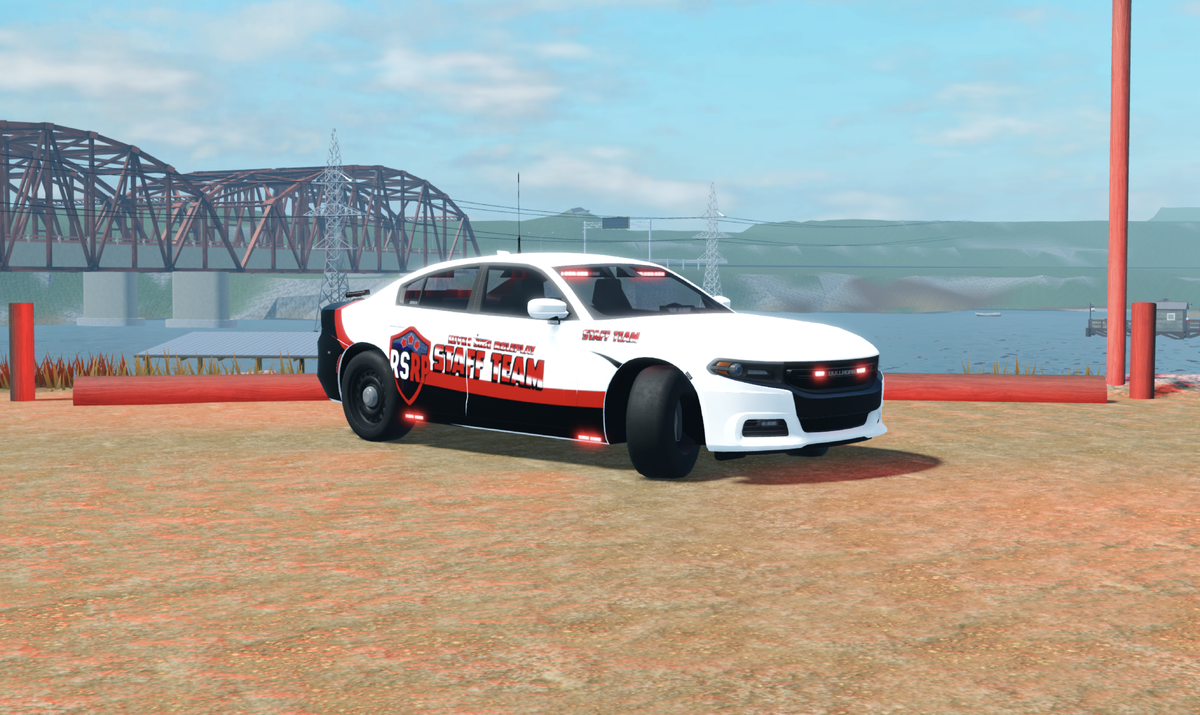
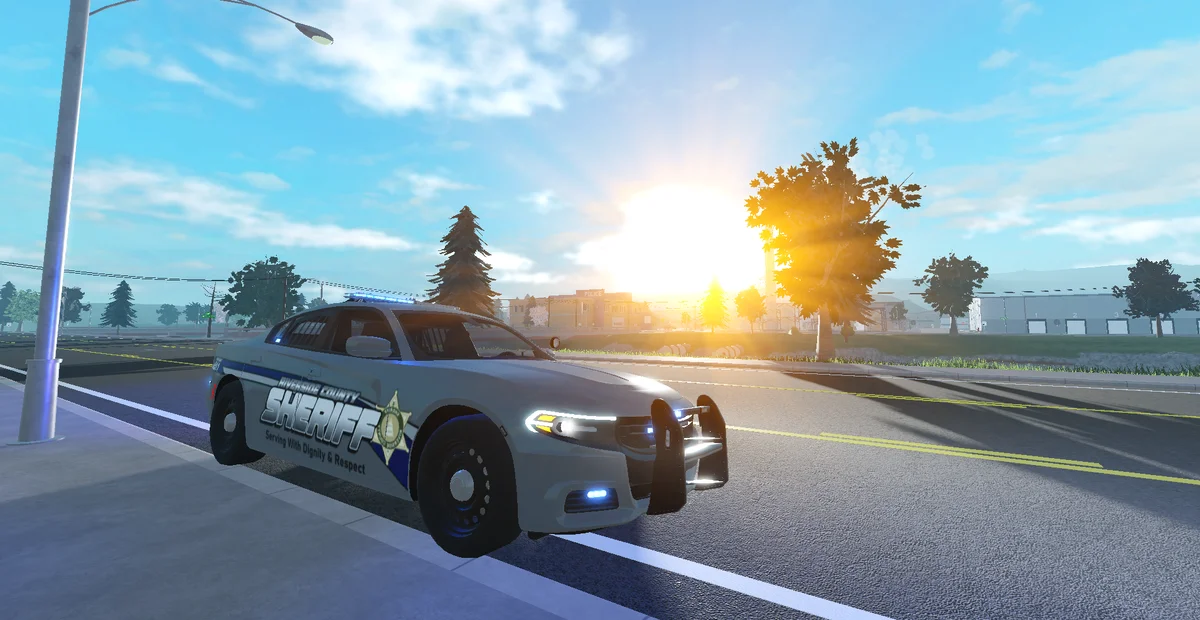
Liveries and uniforms are currently being revamped and will be updated very soon.
Forums
-
News & Information
-
Stay updated with the latest news and updates! This is where we will post official announcements, including game updates, events, and important information. Make sure to check here regularly to stay informed.
- 1 post
-
Welcome to the Information & Guidelines section. Here you'll find essential rules, guidelines, and important information to ensure a smooth and enjoyable experience in our community.
- 1 post
-
Stay informed with the latest updates on our games and community! Here you'll find information on new features, improvements, and any changes we've made. Check back regularly to keep up-to-date with what's happening.
- 4 posts
-
-
Community
-
Discuss our games, share experiences, and connect with fellow gamers. For help, post in Questions. Jump in and have fun!
- 1 post
-
Need help or have questions? Ask here and a member or moderator will answer it.
-
We value your feedback! Share your ideas and suggestions to help improve our games and community. Please note: this section is for suggestions only.
-